Ctrl+Alt+Delete Your Procrastination: Ninja Productivity Hacks
Description provided by the user:
Imagine vibrant, energetic neon colors pulsating with a dynamic rhythm. Watch as sleek, minimalist icons transform and morph into powerful productivity tools before your eyes. This slide utilizes smooth, satisfying transitions, accented by the crisp click-clack sounds of keyboard shortcuts, creating a truly immersive and motivating experience. Experience the thrill of checking off tasks with explosive confetti animations, leaving you feeling empowered and ready to conquer your to-do list.
Categories
Generated Notes
Open with the title: “Ctrl+Alt+Delete Your Procrastination.” Set the tone: we’re doing a hard reset on distraction with neon energy and crisp keyboard intent.
Explain the metaphor quickly: Ctrl+Alt+Delete as an interruption ritual to relaunch focus.
Reveal Hack 1. Describe the Command Palette: call it up with Ctrl K (or Command K), jump to the exact task or action. Emphasize no-mouse speed.
Reveal Hack 2. Introduce a 25-minute sprint with Alt Shift N. It’s a quick, low-friction timer to block distractions and start moving.
Reveal Hack 3. One‑Touch Ship with Ctrl/Command Enter. Commit, send, or mark complete. Highlight momentum over perfection.
Final reveal: checkmarks pop and confetti bursts. Celebrate the moment. Invite the audience to pick one shortcut to use today.
Optional: make a physical keyboard tap to punctuate each reveal if you have sound queued.
Behind the Scenes
How AI generated this slide
Establish the visual theme: The AI begins by setting up a vibrant backdrop with neon gradients, blurred circles, and a dark background to create an energetic, futuristic aesthetic.
Craft the title animation: The title 'Ctrl+Alt+Delete Your Procrastination' appears with a springy, dynamic animation using a multi-colored gradient to reinforce the energetic theme.
Introduce productivity hacks: The AI sequentially reveals three productivity hacks, each with a dedicated icon, keyboard shortcut visualization, and concise description.
Implement interactive elements: Keyboard shortcuts are displayed using interactive `<Key>` components, visually resembling real keys and subtly animating on hover to enhance user engagement.
Incorporate micro-interactions: Smooth animations and transitions are used throughout, including springy bounces for icons and a checkmark animation accompanied by a confetti burst to celebrate task completion.
Optimize for diverse platforms: Keyboard shortcuts for Mac users (⌘K) are displayed alongside PC shortcuts, enhancing accessibility and usability for a broader audience.
Prioritize mobile responsiveness: The design likely considers responsive behavior to ensure optimal display on various screen sizes, though this detail isn't explicitly visible in the code itself.
Why this slide works
This slide effectively combines a visually appealing design with practical productivity tips. The use of neon colors, smooth animations, and interactive elements creates an engaging and memorable experience for the viewer. Clear explanations of keyboard shortcuts and concise descriptions of each hack ensure that the information is easy to understand and implement. The 'Ctrl+Alt+Delete' metaphor effectively frames the presentation as a 'hard reset' for procrastination, further enhancing the motivational aspect. Keywords: productivity hacks, keyboard shortcuts, time management, procrastination, focus, motivation, animation, user experience, user interface, visual design, neon colors, interactive, engaging, responsive design.
Slide Code
You need to be logged in to view the slide code.
Questions
Frequently asked
What is the purpose of this slide?+
The slide aims to provide viewers with actionable productivity hacks, presented in an engaging and visually stimulating way. It uses the metaphor of 'Ctrl+Alt+Delete' to represent a 'hard reset' for procrastination, offering practical strategies to improve focus and time management.
What technologies were used to create this slide?+
The slide was developed using React, along with libraries like Framer Motion for animations and Slidebook for slide management. Tailwind CSS is utilized for styling, enabling efficient and responsive design implementation.
How do the animations contribute to the overall message?+
The smooth animations and transitions, such as the springy icons, checkmark animation, and confetti burst, make the presentation more dynamic and visually appealing. They contribute to a more positive and engaging experience, reinforcing the motivational aspect of overcoming procrastination. Keywords: animation, micro-interactions, user experience, visual design, engagement, motivation.
Can these productivity hacks be used on different operating systems?+
Yes, the slide makes an effort to cater to both Windows/PC and Mac users by displaying both Ctrl+K and ⌘K shortcuts. This inclusivity ensures that the tips are accessible to a wider audience.
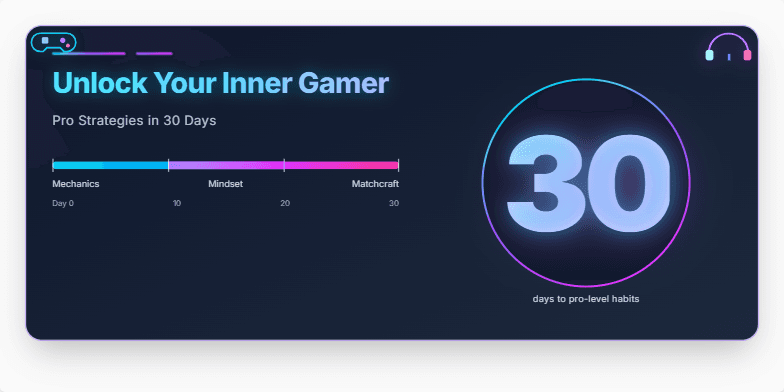
Imagine a sleek, dark slide with neon accents. Electric blue and vibrant purple highlights pulse rhythmically around the title, evoking the energy of a high-stakes esports match. Stylized icons of controllers and headsets subtly animate, drawing the viewer's eye. The number '30' glows with a countdown effect, hinting at the rapid transformation within reach. Clean typography and minimal text create a sense of sophisticated focus.
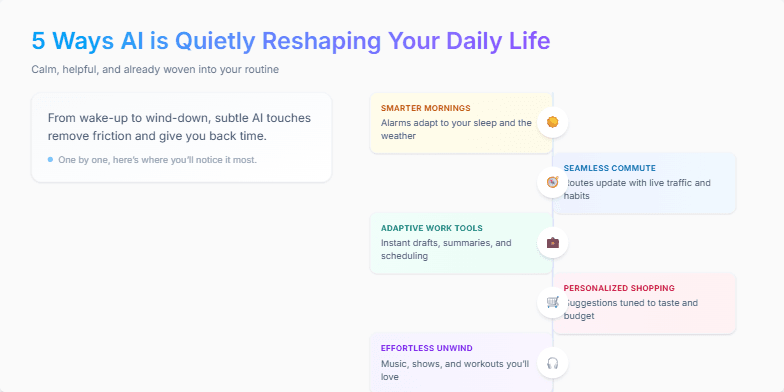
Clean, minimalist design with a calming pastel color palette. Smooth transitions and subtle animations bring each of the 5 ways to life, one by one, with a sleek, modern font and iconography. Each point is highlighted with a soft glow effect, making them pop against the background. Imagine gentle background music complementing the visuals for a truly immersive experience.
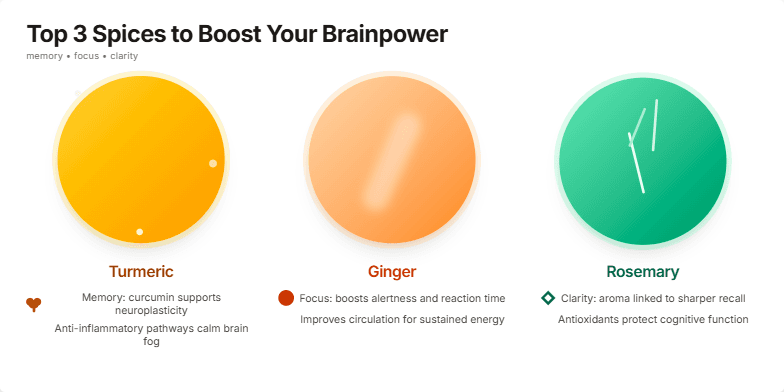
Imagine vibrant close-ups of turmeric, ginger, and rosemary, bathed in warm, inviting lighting. Their rich textures and colors pop against a clean, minimalist backdrop. As you transition between spices, subtle animations—a gentle swirl of turmeric powder, a glistening slice of ginger—add a touch of magic. Text appears in a crisp, modern font, accented with earthy tones. Each spice's benefits are highlighted with elegant icons representing memory, focus, and clarity.
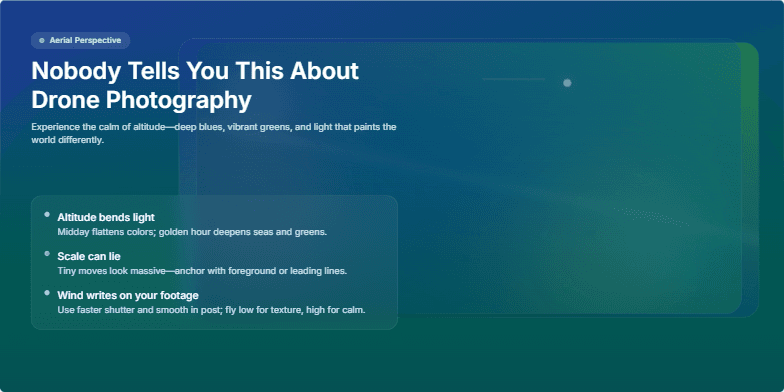
Experience the magic of aerial perspectives. This slide utilizes a mesmerizing parallax effect, showcasing stunning drone footage transitioning between breathtaking landscapes. Deep blues and vibrant greens dominate the color palette, creating a sense of tranquility and awe. Subtle light leaks and lens flares add a touch of artistic flair, while smooth transitions and a minimalist design keep the focus on the captivating visuals.
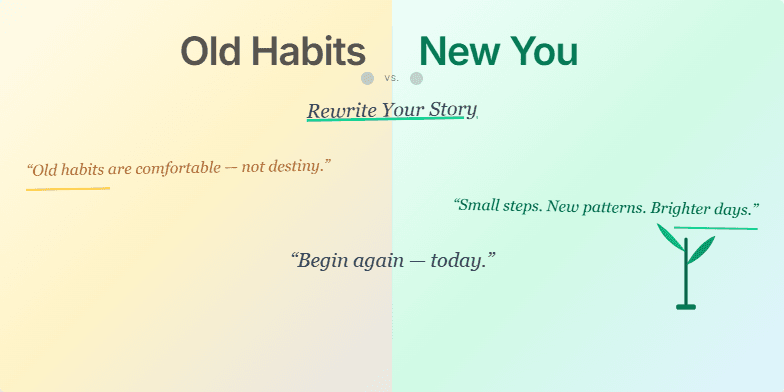
This slide uses a dramatic split-screen effect, contrasting faded sepia tones representing 'Old Habits' with vibrant, energetic colors for the 'New You.' A stylized, handwritten font adds a personal touch, while subtle animation of a growing plant symbolizes growth and transformation. Short, inspiring quotes appear with a gentle fade-in, creating a sense of hope and possibility. The overall design is clean and minimalist, allowing the message to resonate deeply.
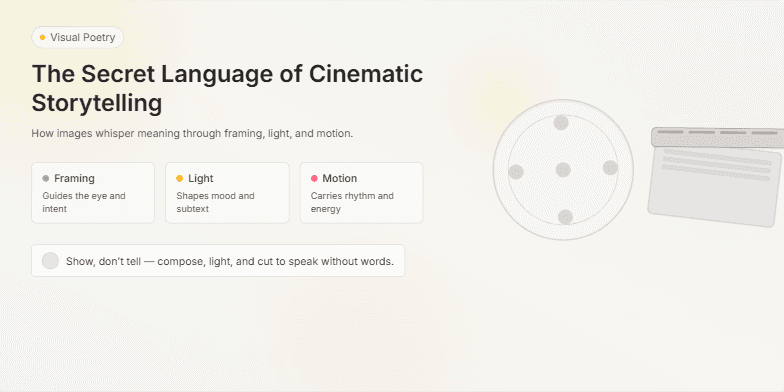
Dive into a world of visual poetry. This slide uses a muted, vintage color palette with soft focus effects to evoke the golden age of cinema. Smooth transitions and subtle animations, like flickering film grain, create a nostalgic and captivating atmosphere. Close-ups of iconic film reels and clapperboards add a touch of classic Hollywood glamour.
Want to generate your own slides with AI?
Start creating high-tech, AI-powered presentations with Slidebook.