Experience the magic of aerial perspectives. This slide utilizes a mesmerizing parallax effect, showcasing stunning drone footage transitioning between breathtaking landscapes. Deep blues and vibrant greens dominate the color palette, creating a sense of tranquility and awe. Subtle light leaks and lens flares add a touch of artistic flair, while smooth transitions and a minimalist design keep the focus on the captivating visuals.
Categories
Generated Notes
Open with the visuals. Let the audience feel the calm, with layered parallax and subtle light leaks conveying altitude and atmosphere.
Introduce the title: “Nobody Tells You This About Drone Photography.” Emphasize the promise—insights that transform how aerial footage is captured.
Walk through the three truths briefly: first, how altitude changes light and color; second, how scale is deceptive and why you need anchors; third, that wind and micro-vibrations shape your footage and how to mitigate them with shutter speed and post-smoothing.
Close by inviting them to notice the transitions in the background as an example of pacing and mood—slow, intentional, and minimalist to keep the focus on the story.
Behind the Scenes
How AI generated this slide
Establish the core visual theme: The AI interprets 'mesmerizing parallax effect' and 'breathtaking landscapes' by creating multiple layered divs with varying blur, opacity, and animated positions to simulate depth and movement. The 'deep blues and vibrant greens' are translated into a gradient background and color-themed blur elements.
Enhance visual interest: 'Subtle light leaks and lens flares' are implemented using blend modes, blurred white elements, and gradient overlays to mimic these photographic effects. The 'minimalist design' is maintained by keeping the UI elements clean and sparse, allowing the background to be the primary focus.
Introduce content elements: The title 'Nobody Tells You This About Drone Photography' is placed prominently, followed by supporting text that reinforces the theme of unique aerial perspectives. The fragment system is used to stage the appearance of the title and text, adding to the dynamic feel.
Add informative points: The three key takeaways about drone photography (light, scale, and wind) are presented in a visually appealing list format, using color-coded bullets and concise explanations. The placement and animation of this element are designed to complement the background motion without being distracting.
Finalize animations: All motion elements are fine-tuned to create smooth and continuous loops, contributing to the 'tranquility and awe' mentioned in the context. The animations are timed to have slightly different durations, enhancing the parallax effect.
Why this slide works
This slide effectively leverages motion design and visual effects to create an immersive and engaging experience. The layered parallax background, combined with subtle light leaks and lens flares, immediately captures attention and establishes the theme of aerial photography. The use of deep blues and vibrant greens evokes a sense of tranquility and awe, aligning with the desired mood. The minimalist design and smooth transitions prevent the slide from feeling cluttered, keeping the focus on the captivating visuals. The staggered appearance of text and informative points adds a dynamic element that enhances the storytelling aspect. By mimicking the feeling of looking out from a drone, the slide creates a strong connection between the visual presentation and the topic of drone photography. The use of Framer Motion provides performant and visually appealing animations.
Slide Code
You need to be logged in to view the slide code.
Questions
Frequently asked
What is a parallax effect?+
Parallax is a visual effect where background elements appear to move slower than foreground elements, creating an illusion of depth and three-dimensionality. This effect is often used in web design, animations, and video games to enhance the visual experience and create a sense of immersion. In this slide, the parallax effect is achieved by animating multiple layers at different speeds and with varying degrees of blur.
How are light leaks and lens flares created digitally?+
Light leaks and lens flares are typically artifacts of real-world photography, caused by light hitting the camera lens in unintended ways. Digitally, these effects can be recreated using various techniques, including blend modes (like screen or overlay), gradients, and strategically placed blurred shapes. The use of transparency and glow effects can further enhance the realism of these digital light artifacts.
What is Framer Motion, and why is it used here?+
Framer Motion is a popular JavaScript library specifically designed for creating animations and transitions in user interfaces. It offers a declarative and intuitive API for defining complex animations with fine-grained control over timing, easing, and other parameters. In this slide, Framer Motion is used to animate the various layers, creating the parallax effect, light leaks, and other visual elements. It's chosen for its performance and ease of use within React-based projects.
How does the minimalist design contribute to the slide's effectiveness?+
Minimalism in design emphasizes simplicity and clarity by removing unnecessary elements. In this slide, the minimalist approach ensures that the focus remains on the captivating visuals and key message. By avoiding clutter and excessive ornamentation, the design allows the parallax effect, color palette, and animated elements to shine, creating a more impactful and memorable experience for the viewer.
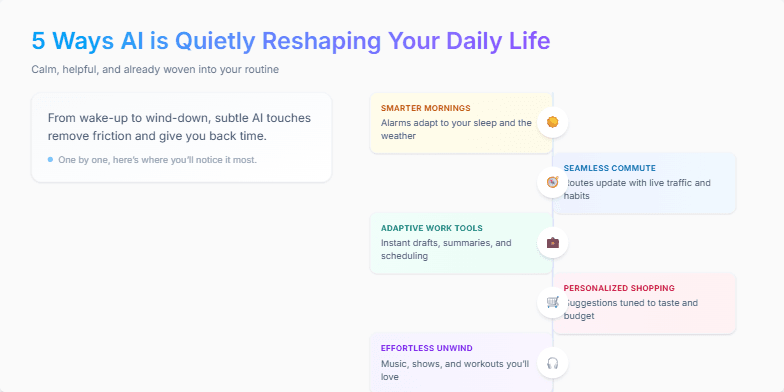
Clean, minimalist design with a calming pastel color palette. Smooth transitions and subtle animations bring each of the 5 ways to life, one by one, with a sleek, modern font and iconography. Each point is highlighted with a soft glow effect, making them pop against the background. Imagine gentle background music complementing the visuals for a truly immersive experience.
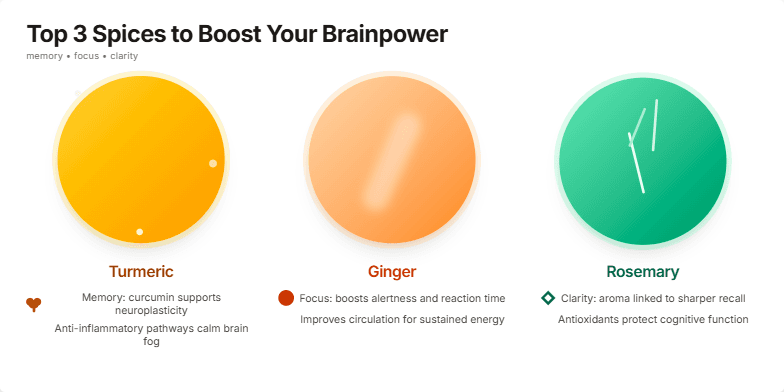
Imagine vibrant close-ups of turmeric, ginger, and rosemary, bathed in warm, inviting lighting. Their rich textures and colors pop against a clean, minimalist backdrop. As you transition between spices, subtle animations—a gentle swirl of turmeric powder, a glistening slice of ginger—add a touch of magic. Text appears in a crisp, modern font, accented with earthy tones. Each spice's benefits are highlighted with elegant icons representing memory, focus, and clarity.
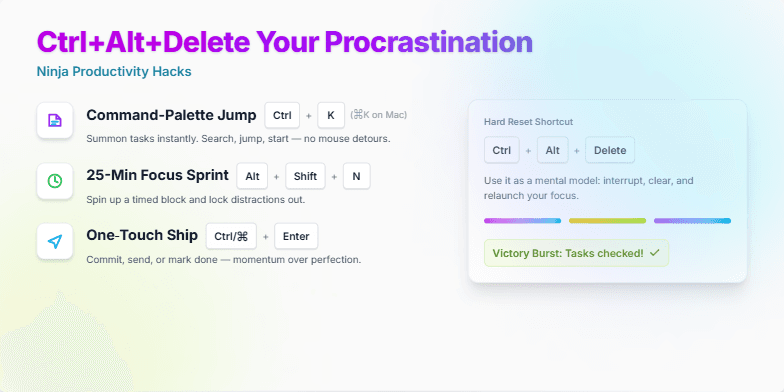
Imagine vibrant, energetic neon colors pulsating with a dynamic rhythm. Watch as sleek, minimalist icons transform and morph into powerful productivity tools before your eyes. This slide utilizes smooth, satisfying transitions, accented by the crisp click-clack sounds of keyboard shortcuts, creating a truly immersive and motivating experience. Experience the thrill of checking off tasks with explosive confetti animations, leaving you feeling empowered and ready to conquer your to-do list.
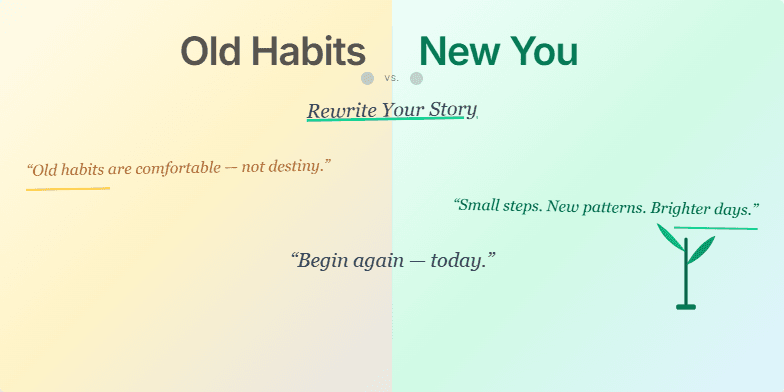
This slide uses a dramatic split-screen effect, contrasting faded sepia tones representing 'Old Habits' with vibrant, energetic colors for the 'New You.' A stylized, handwritten font adds a personal touch, while subtle animation of a growing plant symbolizes growth and transformation. Short, inspiring quotes appear with a gentle fade-in, creating a sense of hope and possibility. The overall design is clean and minimalist, allowing the message to resonate deeply.
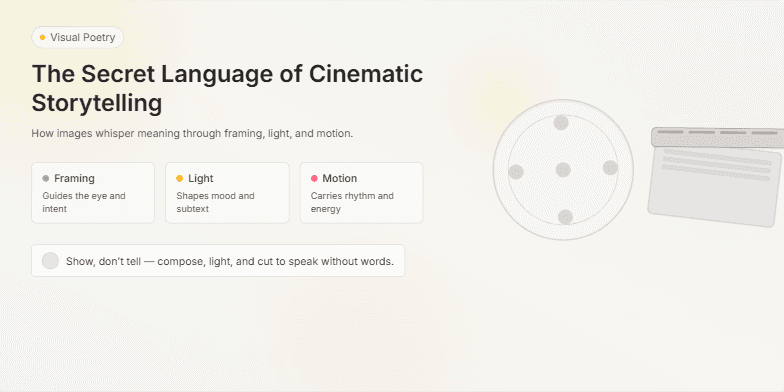
Dive into a world of visual poetry. This slide uses a muted, vintage color palette with soft focus effects to evoke the golden age of cinema. Smooth transitions and subtle animations, like flickering film grain, create a nostalgic and captivating atmosphere. Close-ups of iconic film reels and clapperboards add a touch of classic Hollywood glamour.
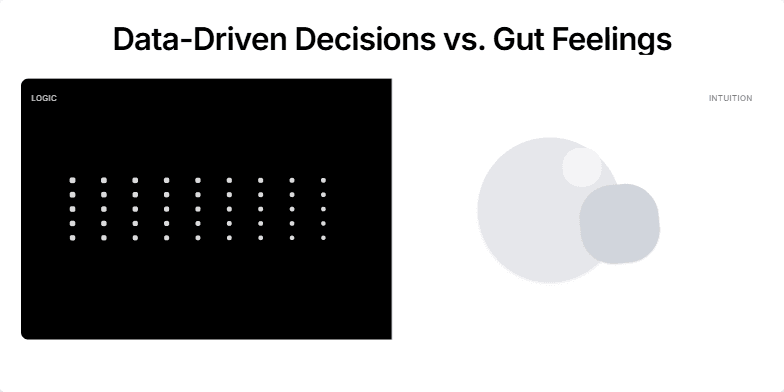
This slide contrasts stark black and white imagery representing logic and intuition, respectively. A dynamic split-screen transition reveals the title, emphasizing the core message. Subtle animations of data points morphing into abstract shapes add an artistic touch. The overall mood is sleek and modern, highlighting the power of informed decision-making.
Want to generate your own slides with AI?
Start creating high-tech, AI-powered presentations with Slidebook.