Once Upon a Time in Tech...Landing Your Dream Remote Gig
Description provided by the user:
This slide opens with a whimsical, storybook-style animation of a glowing laptop floating amidst twinkling stars. The dominant colors are deep blues and purples, creating a calming, magical atmosphere. Subtle shimmering effects highlight the title text, written in a flowing, elegant script font. The overall design evokes a sense of wonder and possibility, inviting viewers to imagine themselves in their ideal remote work scenario.
Categories
Generated Notes
Open by inviting the audience into a story. Point out the deep blues and purples setting a calm, magical tone.
Call attention to the floating, glowing laptop—this is the portal into their ideal remote world.
Read the title with a pause after “Once Upon a Time in Tech.” Then, emphasize “Landing Your Dream Remote Gig.”
Note the gentle shimmer on the title as a cue: this talk is about possibility and practical steps to make it real.
Close the intro by asking them to imagine their own best-day remote scenario—what it feels like, where they are.
Behind the Scenes
How AI generated this slide
Establish the theme: The AI interprets the topic 'Landing Your Dream Remote Gig' and the desired 'whimsical, storybook' style to create a visual metaphor of a glowing laptop floating among stars, representing the dream of remote work.
Set the scene: A dark blue/purple gradient background is chosen to evoke a calming, night sky atmosphere. Subtle shimmering effects are added to the title for visual interest.
Animate the elements: The laptop gently bobs up and down, while the stars twinkle and pulse with varying delays, creating a dynamic, magical feel. Framer Motion library is used for smooth animations.
Optimize for storytelling: The elements are arranged to support a narrative flow. The laptop is positioned on one side, leaving space for the title and introductory text on the other, guiding the viewer's eye across the slide.
Enhance with details: Small glowing dots on the laptop screen and a simulated keyboard base add realism and depth to the central image. The title is written in a script font and uses a shimmering gradient to reinforce the fairytale aesthetic.
Why this slide works
This slide effectively captures the essence of the presentation topic by visually representing the 'dream' of remote work. The use of animation, color, and typography creates an engaging and immersive experience. The whimsical, storybook style appeals to the audience's imagination and sets a positive tone for the presentation. The code is well-structured and uses appropriate libraries like Framer Motion for smooth animations. The use of gradients, shadows, and glowing effects enhances visual appeal and creates a sense of depth and magic. The animation is subtle yet dynamic, keeping the viewer's attention without being distracting. Keywords like 'remote work', 'dream job', 'work from anywhere', 'freelancing', and 'digital nomad' are implicitly represented by the visuals and overall theme.
Slide Code
You need to be logged in to view the slide code.
Questions
Frequently asked
What tools or software are used to create this type of animated slide?+
This slide utilizes a combination of technologies. The core structure is built with a framework like React, likely within a presentation builder like Slidebook, as suggested by the import statement. The animation is powered by Framer Motion, a popular library for creating smooth and complex animations in web applications. Styling is done using CSS and potentially JSX, a syntax extension that allows HTML-like syntax within JavaScript. The gradient backgrounds and shimmering effects can be achieved with standard CSS techniques, while the custom script font reinforces the fairytale theme.
How can I customize this slide for my own presentation about remote work?+
You can easily adapt this slide by modifying the code. Change the title and subtitle text to reflect your specific message. You could replace the laptop image with something else symbolic of remote work, like a desk setup or a world map. Adjust the colors, fonts, and animation speeds to match your branding and desired aesthetic. Consider adding further elements relevant to your presentation, like icons representing different remote work tools or platforms.
What are the benefits of using animation in presentations?+
Animation can significantly enhance presentations by making them more engaging and memorable. Subtle animations, like the twinkling stars and floating laptop in this slide, can capture audience attention and create a sense of dynamism. Animation can also be used to illustrate complex concepts, emphasize key points, and guide the viewer's eye through the information being presented. By adding visual interest and movement, animation can help prevent 'death by PowerPoint' and keep the audience invested in the presentation narrative.
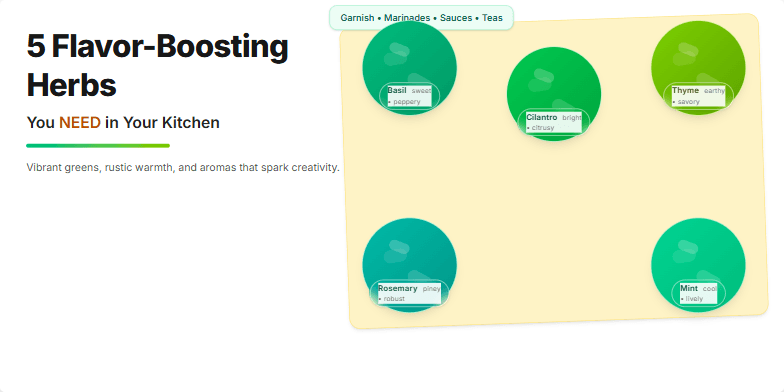
This slide bursts with vibrant greens and earthy browns, mirroring the freshness of the herbs. Close-up, high-definition photos of each herb are interspersed with elegant typography and subtle animations of leaves gently swaying in the breeze. Imagine a rich, textured background like a wooden cutting board, adding a touch of rustic charm. The overall mood is inviting and inspiring, making you want to rush to the market and start cooking.
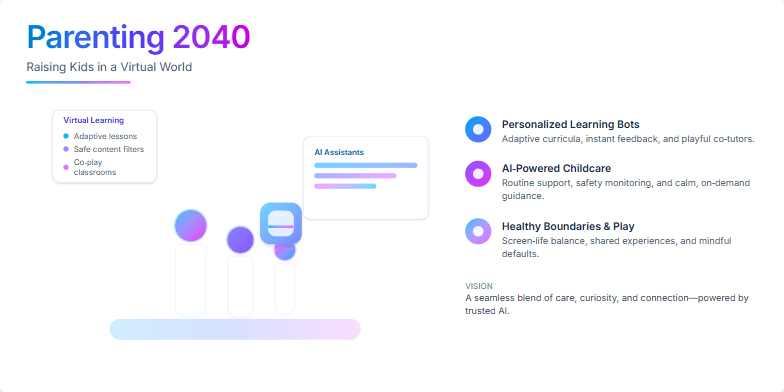
Imagine a slide bathed in soft, futuristic blues and purples, showcasing a stylized holographic family interacting with virtual learning environments. Clean lines and sleek design create a sense of wonder. Subtle animations depict personalized learning bots and AI-powered childcare assistants, hinting at a seamless blend of technology and family life. The overall mood is optimistic and inspiring, focusing on the exciting possibilities of future parenting.
This slide uses a vibrant, energetic color palette of teal and gold to convey optimism and success. A subtle shimmering animation effect highlights key words like 'dream' and 'insider'. Clean, modern sans-serif fonts are paired with elegant, stylized icons representing different career paths, creating a visually appealing and motivating design. Imagine a smooth transition that reveals each icon as the narrator speaks, drawing the audience in.
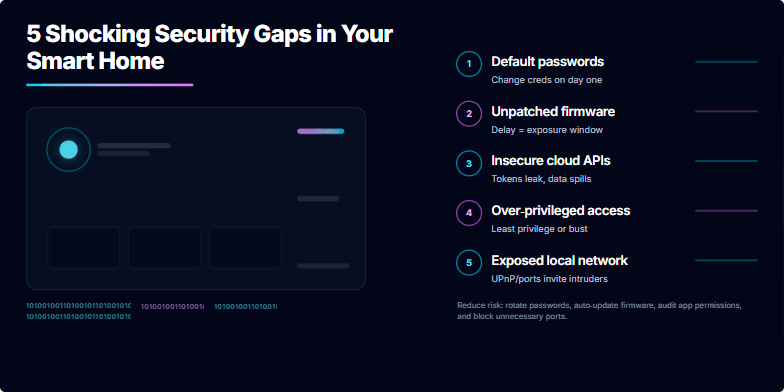
Dark, moody backdrop with neon accents highlighting each vulnerability point. Smooth transitions and subtle glitch effects add a sense of unease and urgency. Close-up shots of smart devices dissolving into binary code create a visually striking contrast. Limited, impactful text in crisp white font against the dark background. Sound design includes subtle digital clicks and static to build tension.
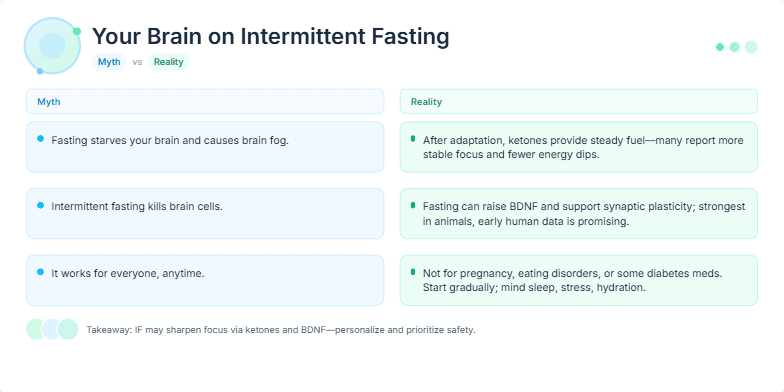
A vibrant, minimalist design with cool blues and greens creates a sense of calm and clarity. Smooth transitions and subtle animations highlight key differences between popular beliefs and scientific findings. Close-ups of fresh, healthy food contrast with stylized icons representing brain activity. This slide offers a visually appealing deep dive into the neurological effects of intermittent fasting, cutting through the noise with scientific accuracy.
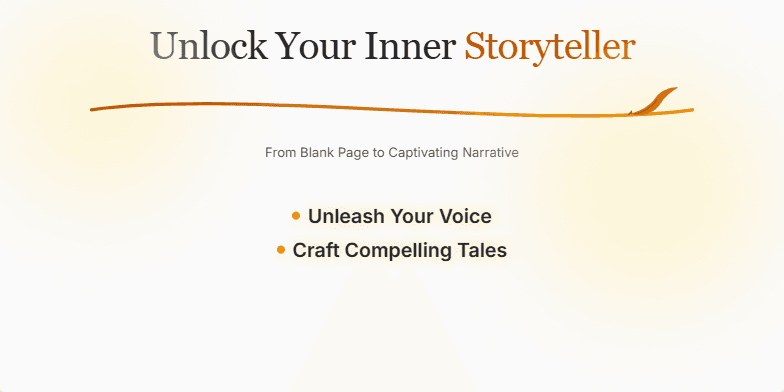
Imagine a minimalist slide bathed in warm, inviting parchment hues. A feather quill delicately animates across the title, leaving a trail of shimmering ink. Subtle background music evokes the quiet focus of a writer's sanctuary. Key phrases like 'Unleash Your Voice' and 'Craft Compelling Tales' appear with gentle fade-in effects, highlighted with a soft, glowing ember-like outline. The overall mood is inspiring and serene, promising a journey of creative discovery.
Want to generate your own slides with AI?
Start creating high-tech, AI-powered presentations with Slidebook.