Clean, minimalist design with calming pastel colors. Smooth transitions between each hack, revealed with a subtle zoom effect. Each tip accompanied by a small, playful icon. Focus on airy typography and plenty of whitespace for a relaxed viewing experience.
Categories
Generated Notes
Open by framing the promise: five evidence-supported habits that remove friction and give you back time.
First, 2‑Minute Rule. Explain that quick actions create momentum and reduce the Zeigarnik effect—unfinished tasks that occupy mental bandwidth. Encourage using it for micro-emails, calendar invites, and tiny cleanups.
Second, Batch Similar Tasks. Cite that context switching costs minutes each hop. Suggest scheduling email twice daily and grouping all admin calls together to keep the same cognitive mode.
Third, Time Blocking. Describe reserving focus blocks with deliberate short breaks—think 25–50 minutes on, 5–10 off. This protects deep work and prevents calendar creep.
Fourth, Implementation Intentions. Share the If–Then pattern: “If it’s 9:00, then I start the proposal.” Research shows preloaded triggers increase follow‑through by making decisions automatic.
Fifth, Externalize Memory. Capture tasks in one trusted list. Offloading frees working memory for solving problems instead of remembering them.
Close by inviting the audience to pick one hack to apply today, then layer the rest over the week.
Behind the Scenes
How AI generated this slide
Analyze the topic and context to understand the slide's purpose and target audience.
Identify relevant keywords for time-saving hacks and productivity: time management, productivity tips, science-backed, efficiency, focus, work-life balance.
Select five time-saving hacks with scientific backing (e.g., 2-Minute Rule, Batching, Time Blocking, Implementation Intentions, Externalize Memory).
Design icons visually representing each hack.
Create a clean minimalist layout with pastel colors, airy typography, and whitespace, as per the context.
Implement smooth transitions (zoom effect) between each hack reveal.
Use Framer Motion library for animation effects.
Structure the code with React components for each icon and hack.
Generate speaker notes explaining each hack and its scientific basis, including keywords.
Why this slide works
This generated slide effectively combines a visually appealing design with practical, science-backed content, catering to the target audience seeking efficient time management techniques. The pastel colors and clean layout promote a relaxing viewing experience. The zoom transitions provide subtle dynamism, while the playful icons make each hack memorable. The clear and concise explanations in both the slide text and speaker notes enhance the learning experience. The use of relevant keywords like 'time management,' 'productivity tips,' and 'science-backed' improves searchability and discoverability. The code's structure is clean and modular, making it easy to maintain and adapt.
Slide Code
You need to be logged in to view the slide code.
Questions
Frequently asked
What is the 2-Minute Rule?+
The 2-Minute Rule, a popular time management technique, suggests that if a task takes less than two minutes to complete, you should do it immediately. This prevents small tasks from piling up and cluttering your mental to-do list, improving focus and reducing stress. It leverages the idea that often, the mental overhead of remembering and planning a small task is greater than the actual effort required to complete it.
How can 'Batching Similar Tasks' save me time?+
Batching similar tasks involves grouping activities of the same type together and completing them in one focused session. This reduces the cognitive cost of context switching, the mental effort required to shift between different types of tasks. For example, responding to all your emails at once instead of throughout the day can significantly improve your productivity and time management.
What is Time Blocking, and how does it work?+
Time blocking is a time management method where you schedule specific blocks of time for particular tasks or activities. It helps you structure your day, prioritize tasks, and avoid multitasking, which can decrease efficiency. By allocating specific times for work, breaks, and other activities, you gain greater control over your schedule and improve focus. This technique can help you achieve a better work-life balance and increase overall productivity.
What are Implementation Intentions?+
Implementation intentions are 'if-then' plans that specify when, where, and how you will achieve a goal. For example, 'If it is 9 AM, then I will start writing the report.' This strategy strengthens the link between a situational cue (9 AM) and the desired behavior (writing the report), making it more likely you'll follow through. It reduces the reliance on willpower and creates automatic triggers for action, improving time management and goal achievement.
How does Externalizing Memory save time?+
Externalizing memory involves storing information outside your brain, such as using to-do lists, calendars, or note-taking apps. This frees up your working memory, the mental space used for processing information, allowing you to focus on the task at hand rather than remembering everything you need to do. By offloading mental clutter, you improve concentration, reduce stress, and increase efficiency, thus saving time and mental energy.
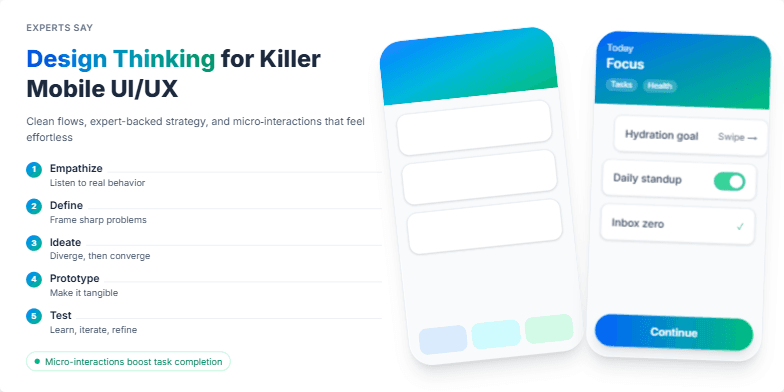
Immerse yourself in a world of vibrant gradients and smooth, intuitive animations. This slide showcases the core principles of design thinking through elegantly stylized examples of successful mobile interfaces. Clean typography and a calming color palette of blues and greens create a sophisticated and trustworthy feel, emphasizing the expert-backed strategies. Witness the power of micro-interactions come alive, demonstrating seamless user flow and enhancing engagement.
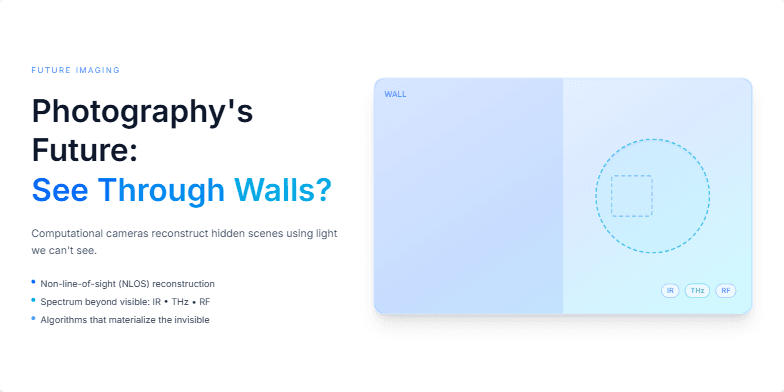
Imagine a slide bathed in electric blue, showcasing a ghostly image slowly materializing. We'll explore the potential of computational photography with subtle shimmering effects, hinting at technologies that can 'see' beyond the visible spectrum. Clean typography and minimalist design highlight the visionary aspect of this photographic frontier.
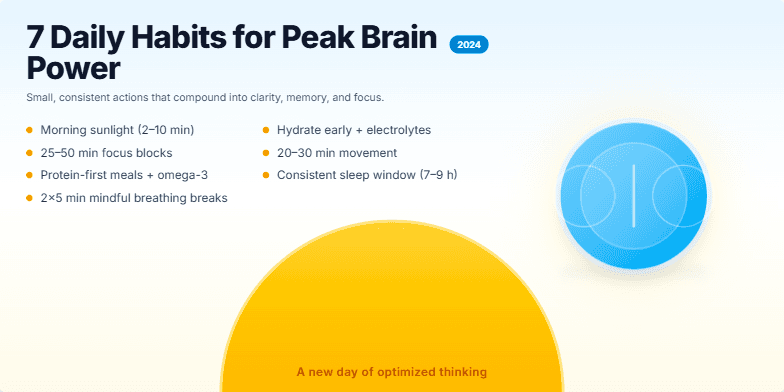
This slide bursts with vibrant, energizing colors like sunrise yellows and sky blues. A stylized brain icon pulsates subtly with light, hinting at heightened cognitive function. Clean typography and minimalist design create a sense of clarity and focus. Each habit is revealed with a smooth, cascading animation, keeping the audience engaged and eager to learn more. The final visual is a stylized sunrise, suggesting a new day of optimized thinking.
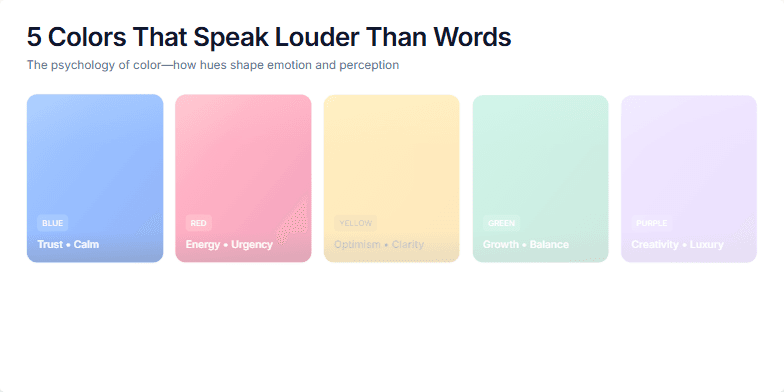
Dive into a world of vibrant hues and discover the psychology of color. This slide uses mesmerizing color transitions and subtle animations to showcase how specific colors evoke emotions and influence our perceptions. Imagine soft pastels melting into bold primaries, creating a visual symphony that resonates with the audience. Clean typography and minimalist design allow the colors to take center stage, leaving a lasting impression.
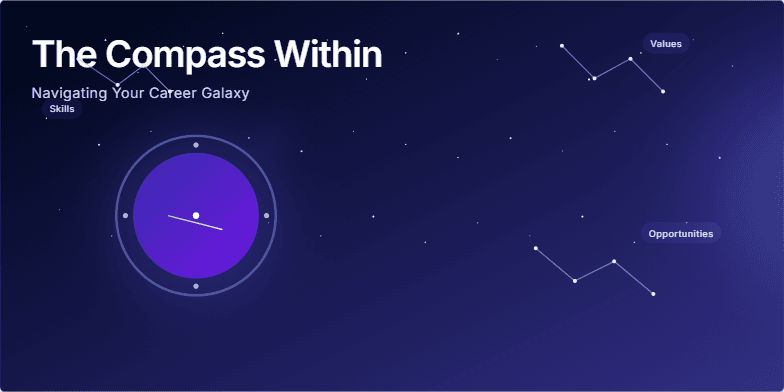
Imagine a deep indigo backdrop sprinkled with constellations representing career paths. A stylized compass, glowing with an inner light, spins gently, its needle pointing towards a vibrant nebula. Smooth transitions and subtle shimmering effects guide the viewer's eye, creating a sense of wonder and possibility. The overall aesthetic is elegant, inspiring, and evokes the vastness of opportunity.
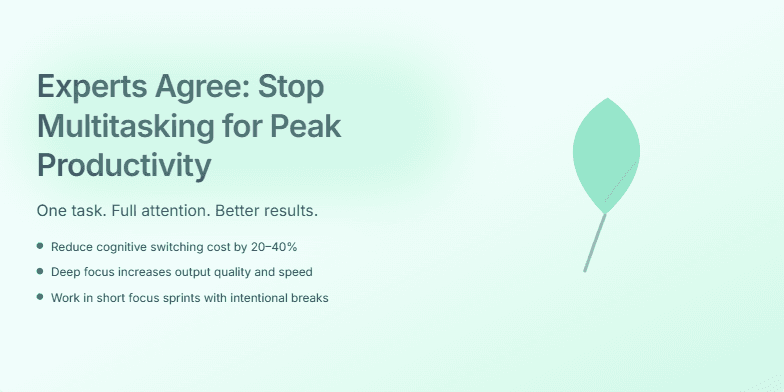
This slide uses a calming gradient of blues and greens, evoking a sense of focus and tranquility. A subtle animation of a single, growing leaf visually represents the power of singular focus. Clean typography and minimalist design highlight the expert consensus on the benefits of single-tasking. A soft glow effect around the title adds a touch of sophistication.
Want to generate your own slides with AI?
Start creating high-tech, AI-powered presentations with Slidebook.