Unlock Your Inner Artist: From Doodles to Masterpieces
Description provided by the user:
Imagine a soft watercolor wash background, transitioning from pale pinks to vibrant oranges as the title appears in elegant script. Each word gently fades in, accompanied by a delicate sparkle animation. As the description appears, a playful sketch of a hand holding a paintbrush morphs into a stunning finished artwork, showcasing the transformative power of art. The overall mood is inspiring and inviting, using warm hues and subtle animations to create a sense of wonder and possibility.
Categories
Generated Notes
First, I welcome the audience into a warm, artistic mood: a soft watercolor glow settles in as the title appears word by word with gentle sparkles.
Next, I set the invitation: I read the short line about starting where you are, underscoring that playful marks are enough to begin.
I then point to the right: the sketched hand and brush draw themselves in—just lines and a playful stroke—showing the humble start.
Finally, I advance to the transformation: the finished artwork glides in atop a white canvas, with vibrant shapes and a sun, making the shift from doodle to masterpiece feel tangible.
I close by emphasizing that the journey is incremental and accessible, and this session will guide those steps.
Behind the Scenes
How AI generated this slide
Establish the watercolor background: Create multiple blurred, semi-transparent radial gradients using warm pink, orange, and amber hues, positioned and sized to blend seamlessly, mimicking a watercolor wash effect. Use Framer Motion's <motion.div> for smooth entrance animations.
Animate the title: Break down the title ('Unlock Your Inner Artist: From Doodles to Masterpieces') into individual words using arrays. Implement staggered fade-in animations with slight vertical movement using Framer Motion's variants and custom properties for precise timing and control.
Introduce subtle sparkle animations: Place small SVG star/sparkle shapes near the title and animate their scale and rotation using Framer Motion, adding a touch of magic and visual interest. Loop the animation infinitely with a slight delay for a natural feel.
Display the descriptive text: Introduce a short, inspiring paragraph below the title with a fade-in animation, reinforcing the theme of starting small and embracing playful creativity.
Create the morphing sketch animation: Use Fragments (<Fragment index={...}>) to control the sequential appearance of the sketch and the finished artwork. Initially, display a simple SVG path representing the hand holding a paintbrush. Animate the path drawing itself using pathLength.
Reveal the finished artwork: In a subsequent Fragment, display the final artwork on top of a white canvas. Use motion properties to smoothly transition the artwork into place, creating a sense of transformation from the initial sketch.
Why this slide works
This slide effectively utilizes animation and visual design principles to create an engaging and inspiring introduction. The warm color palette, watercolor effect, and gentle animations contribute to a welcoming and artistic atmosphere. The staggered title animation and subtle sparkles add a touch of magic, while the morphing sketch visualization clearly communicates the transformative power of art. The use of Fragments allows for a clear narrative flow, guiding the viewer through the key message of unlocking their inner artist. The code is well-structured and uses Framer Motion effectively for smooth and controlled animations. The combination of visual appeal, animation, and clear messaging makes this slide a strong opening for a presentation on art and creativity. Keywords: watercolor, animation, Framer Motion, SVG, design, creativity, art, inspiration, presentation, tutorial.
Slide Code
You need to be logged in to view the slide code.
Questions
Frequently asked
How can I customize the watercolor background colors?+
The background colors are defined using Tailwind CSS classes like 'bg-rose-200', 'bg-orange-200', etc. You can change these classes to other Tailwind color utilities or use inline styles with specific hex codes or RGB values to achieve your desired color scheme. Experiment with different blend modes (e.g., 'mix-blend-multiply') for unique effects.
Can I change the animation speed and easing?+
Yes, Framer Motion provides extensive control over animation properties. Within the `transition` object of each `motion` component, you can adjust the `duration`, `delay`, and `ease` properties. For example, `transition={{ duration: 1.2, ease: 'easeInOut' }}`. Experiment with different easing functions like 'easeIn', 'easeOut', 'easeInOut', 'backIn', 'backOut', etc. to fine-tune the animation feel.
How do I replace the sketch and finished artwork with my own images?+
Instead of the SVG paths used for the sketch and artwork, you can use `img` tags with your image URLs. Wrap the `img` tags in `motion` components and use appropriate animation properties like `opacity`, `scale`, or `x` and `y` for movement to create the desired transition effect. Remember to adjust the size and positioning within the SVG viewBox accordingly.
What is Framer Motion and why is it used here?+
Framer Motion is a production-ready motion library for React. It's used in this code to create smooth and declarative animations. Its features like variants, gestures, shared layouts, and sequencing make it ideal for complex UI animations and transitions like the ones in this slide. It simplifies the process of creating complex animations compared to using CSS transitions or other animation libraries.
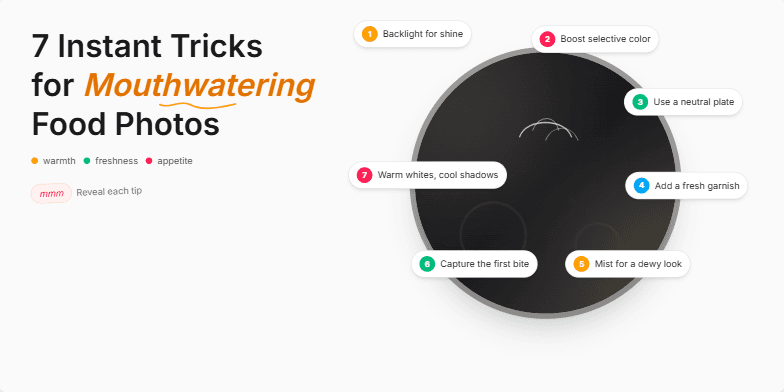
Deep, rich color palettes showcasing vibrant food photography. Dynamic transitions mimicking the sizzle of a hot pan and the freshness of ingredients. Clean, minimalist typography with handwritten font accents for a personal touch. Each trick revealed with a subtle zoom and light animation, creating a sense of discovery and anticipation.
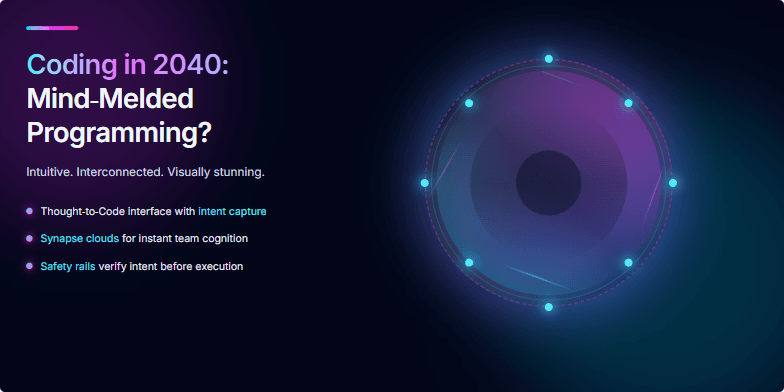
Imagine vibrant neon visuals swirling around a central holographic brain, pulses of light representing code flowing between synapses. The slide uses a dark, cyberpunk aesthetic with electric blue and fuchsia accents. A subtle animation shows the brain rotating slowly, creating an illusion of depth and complexity. Experience the future of coding – intuitive, interconnected, and visually stunning.
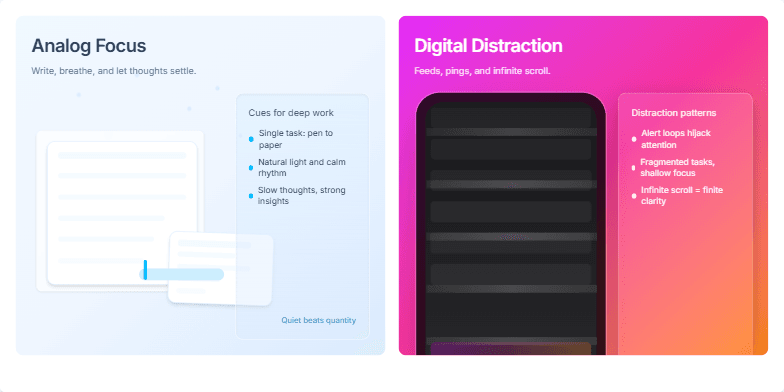
This slide uses a split-screen design with calming pastel blues on the 'Analog Focus' side, showcasing a person peacefully journaling in a sunlit room with subtle dust mote animation. The 'Digital Distraction' side uses vibrant, almost frantic neon pinks and oranges with a stylized, glitching phone screen displaying endless notifications. The contrast emphasizes the core message visually. Transition: a smooth swipe to reveal the stark difference.
Imagine a slide bathed in cool, futuristic blues and silvers. A sleek, minimalist design showcases a conceptual holographic interface shimmering with product options. Subtle animations depict thought bubbles transforming into purchase confirmations. Clean typography and strategic use of negative space create a sense of effortless, intuitive shopping. This slide visually embodies the future of e-commerce, promising a seamless, personalized experience.
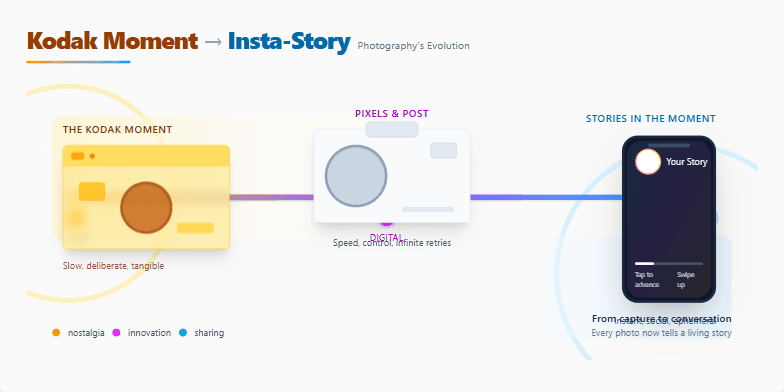
A visually stunning journey through photography's transformation. Sepia-toned vintage photos gently transition into vibrant, modern digital imagery. Subtle animations bring old cameras to life, morphing into sleek smartphones. Smooth parallax scrolling reveals hidden details, mimicking the unfolding of a photographic story. Clean typography and a minimalist design ensure the focus remains on the captivating visuals, evoking a sense of nostalgia and wonder.
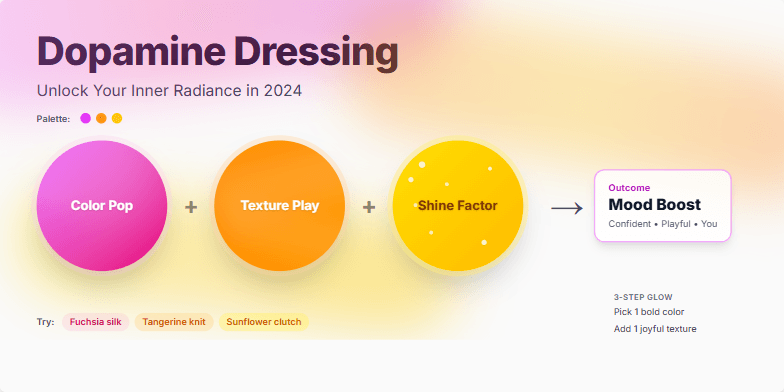
Imagine a slide bathed in vibrant, mood-boosting hues – fuchsia, tangerine, sunflower yellow. Dynamic transitions mimic the swish of fabrics and the sparkle of accessories. Close-ups on textures like silk and sequins add a touch of tactile luxury. The overall mood is joyful, playful, and empowering, reflecting the transformative power of color and style.
Want to generate your own slides with AI?
Start creating high-tech, AI-powered presentations with Slidebook.