Unlock Your Inner Shutterbug: 5 Easy Tricks for Stunning Photos
Description provided by the user:
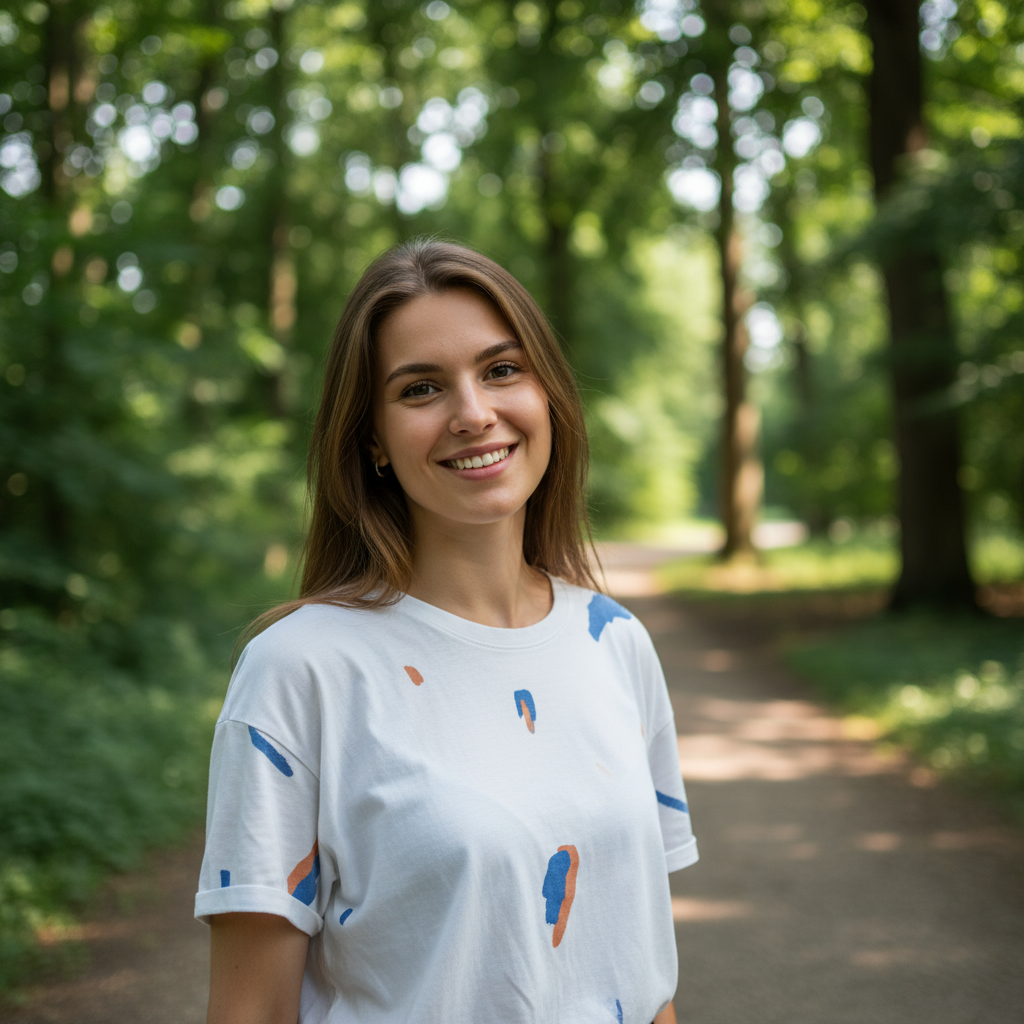
Imagine soft, dreamy bokeh backgrounds blending with crisp, vibrant subjects. This slide uses a minimalist, clean design with a calming palette of pastel blues and greens. Subtle zoom and pan animations highlight each of the 5 photography tricks, revealing stunning example photos with a gentle lightbox effect. Each trick is presented with a clean, modern sans-serif font, adding a touch of contemporary elegance.
Categories
Generated Notes
Open by setting the promise: we’ll unlock their inner shutterbug with five easy tricks that instantly elevate photos. Call out the airy, pastel visuals as a cue for soft, calm photography.
First trick: soft window light. Describe facing a window at about 45 degrees, exposing for the face, and noticing catchlights in the eyes. Mention how this creates flattering contrast without harsh shadows.
Second: clean the background. Explain stepping slightly left or right to remove distractions, creating separation from the background, and using a wider aperture like f/1.8–2.8 for that creamy bokeh.
Third: compose with thirds. Encourage placing eyes or horizon on the grid and using leading lines to pull attention to the subject.
Fourth: get closer. Fill the frame so the subject dominates. Say “zoom with your feet,” and remind them that fewer elements make stronger photos.
Fifth: lock focus and steady. Tap to focus and set exposure, brace elbows against your body, exhale before pressing the shutter, and use burst mode to improve sharpness.
Close by tying it back to the visuals: soft, dreamy backgrounds with crisp subjects—small, simple changes, big results they can try on their next photo.
Behind the Scenes
How AI generated this slide
Analyze the topic and context to identify key elements: 5 photography tricks, minimalist design, pastel color palette, subtle animations, modern font.
Structure the slide layout: title section, grid layout with tips on the left and image previews on the right.
Implement the title with a motion animation for a smooth entrance.
Create components for each of the 5 photography tricks using Fragment and motion for staggered animations.
Design the image preview section with blurred backgrounds, rounded shapes, and a lightbox effect on hover.
Use a pastel color palette of blues and greens for a calming visual effect.
Choose a clean, modern sans-serif font for titles and body text.
Incorporate subtle zoom and pan animations for each image preview to create visual interest.
Ensure responsive design for various screen sizes.
Add speaker notes to provide context and further details for each trick.
Why this slide works
This slide effectively communicates the 5 photography tricks while adhering to a minimalist and aesthetically pleasing design. The use of pastel colors, subtle animations, and a modern font creates a calming and engaging experience for the viewer. The clear numbering and concise descriptions of each trick make the information easily digestible. The image previews on the right, accompanied by the lightbox effect and gentle animations, visually reinforce the tips and add a touch of elegance. The responsive design ensures that the slide is accessible and visually appealing across different devices. The comprehensive speaker notes provide valuable context and additional information for a presenter to deliver a compelling narrative. The use of keywords like photography tips, minimalist design, pastel colors, animations, and responsive design enhances the slide's searchability and relevance.
Slide Code
You need to be logged in to view the slide code.
Questions
Frequently asked
What are the 5 photography tricks covered in this slide?+
The slide covers these 5 tricks: 1. Finding soft window light; 2. Cleaning the background; 3. Composing with thirds; 4. Getting closer to the subject; and 5. Locking focus and keeping steady hands. Each trick provides simple, actionable advice to improve photo composition and quality.
How does the slide's design enhance its message?+
The slide's minimalist design, using a calming pastel color palette, subtle animations, and a modern sans-serif font, contributes to a visually appealing and engaging learning experience. The clean layout, combined with concise text and relevant visuals, makes the photography tips easily understandable and memorable.
What is the purpose of the image previews on the slide?+
The image previews on the right side of the slide provide a visual representation of the photography tricks being discussed. They showcase the desired outcome of applying each tip and offer practical examples for viewers to follow. The gentle lightbox effect and animations add a touch of interactivity and elegance.
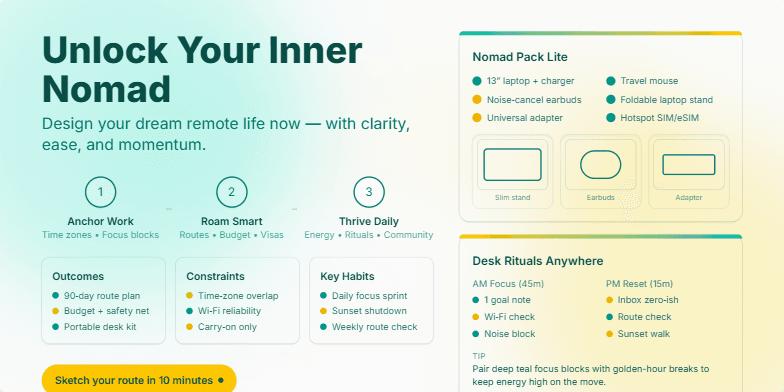
Deep teal and sun-kissed golds create a wanderlust vibe. Smooth transitions and animated watercolor washes evoke the freedom of remote work. Close-ups on inspiring desk setups and minimalist packing lists add a touch of aspirational chic.
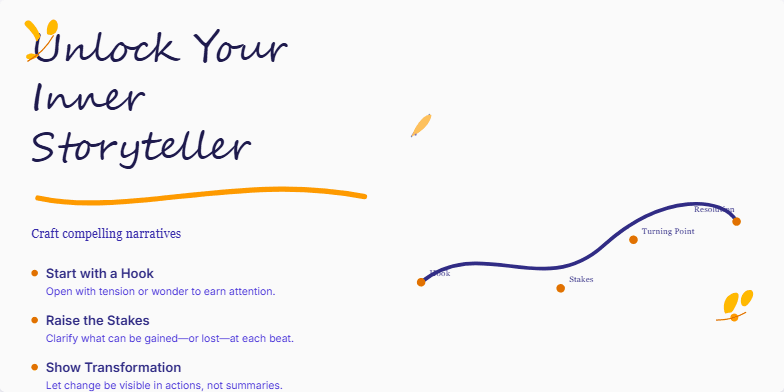
Deep blues and warm golds create an inviting atmosphere, highlighted by handwritten script fonts and subtle parchment paper textures. Watch as quill and ink animations bring your storytelling journey to life. Delicate floral accents add a touch of whimsy and inspiration to each slide, making this presentation a visual feast for creative minds.
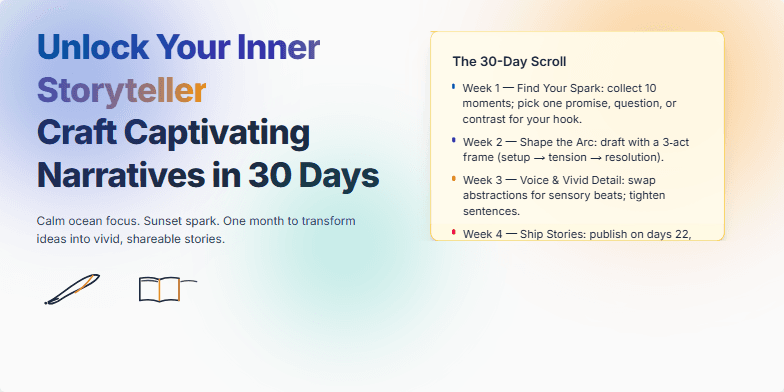
Deep ocean blues and sunset oranges blend seamlessly in this presentation, creating a calming yet inspiring backdrop. Hand-drawn sketches of quill pens and open books add a touch of whimsical charm. Subtle animations, like the gentle unfurling of a scroll, reveal key takeaways. Clean typography and airy spacing provide a visually appealing experience, making the information easy to digest and remember. Imagine warm sand slipping through your fingers as you discover the secrets of compelling storytelling.
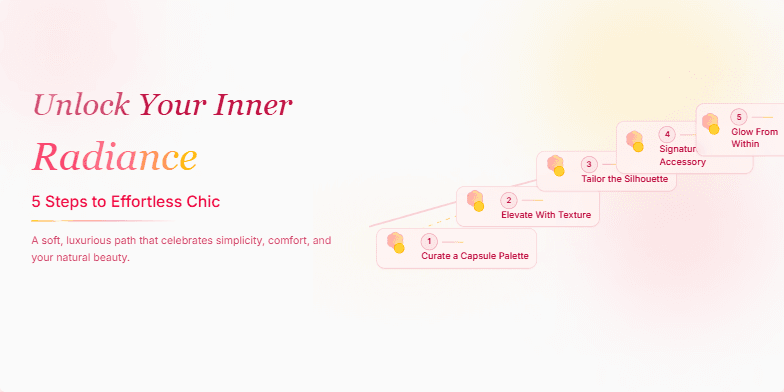
This slide uses a soft, rose-gold color palette with elegant script fonts. A subtle shimmer animation highlights the 5 steps, each represented by a stylized blooming flower icon. The overall feel is luxurious and inspiring, encouraging viewers to embrace their natural beauty.
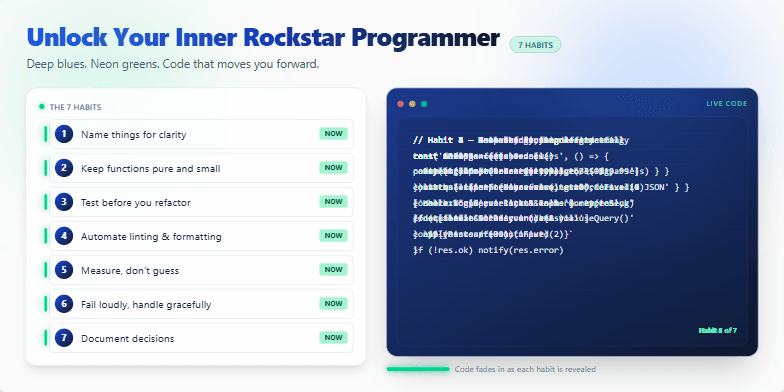
Deep blues and vibrant neon greens electrify this slide, echoing the energy of late-night coding sessions. Code snippets fade in and out, showcasing each habit in action. Clean typography and minimalist design ensure the focus remains on the transformative power of these 7 key practices. Watch the code come alive, inspiring you to level up your programming game.
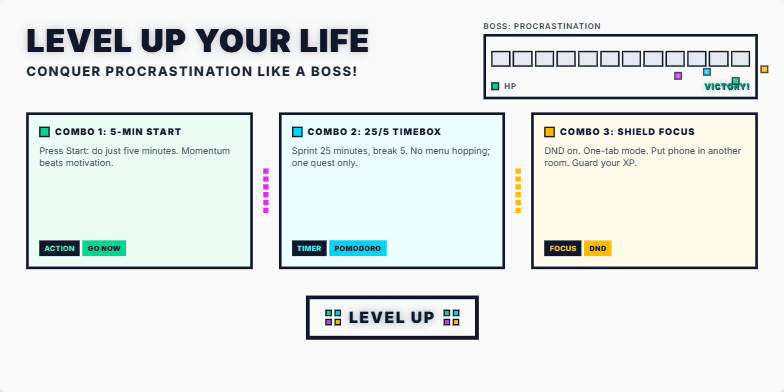
Imagine vibrant, energetic visuals with a retro-gaming aesthetic. 8-bit pixel art transitions explode across the screen as you advance through the slides. Think neon colors, dynamic typography, and a soundtrack that evokes the thrill of victory. Motivational quotes appear with a satisfying 'ding' sound effect, encouraging the audience to embrace the challenge. The final slide reveals a shimmering 'Level Up' badge, a symbol of newfound productivity.
Want to generate your own slides with AI?
Start creating high-tech, AI-powered presentations with Slidebook.