Dive into a mesmerizing exploration of futuristic photography. The slide showcases iridescent holographic projections, shimmering with captured moments. Deep blues and ethereal violets create a dreamlike atmosphere, punctuated by the sharp, clean lines of futuristic camera interfaces. Subtle animation brings the holograms to life, breathing with light and memory. Witness the evolution of capturing emotion – not just images.
Categories
Generated Notes
First, introduce the title: Photography 2042: Holographic Memories. Pause to let the gradient title set the futuristic tone.
Next, describe the idea: we move from flat pixels to living, iridescent moments that occupy space. Emphasize deep blues and ethereal violets to set the mood.
Reveal the right-side holograms: point to Capture, Reconstruct, and Relive. Explain that each panel breathes subtly, like memories pulsing with life.
Call out the clean interface lines on the panels—corners and scan line—as a nod to future camera UX.
Summarize: the evolution is about emotion rendered spatially. Not just images, but presence you can step back into.
Behind the Scenes
How AI generated this slide
Analyzing the topic 'Photography 2042: Holographic Memories' and context to identify key visual elements: holographic projections, futuristic camera interfaces, deep blues and ethereal violets color palette.
Selecting a layout that juxtaposes text elements (title, subtitle, description) with holographic visuals.
Implementing holographic panels using gradient backgrounds, blur effects, and subtle animations to create a sense of depth and iridescence.
Incorporating futuristic UI elements (thin lines, subtle animations) into the holographic panels to convey advanced technology.
Using Framer Motion library for smooth animations and transitions, enhancing the futuristic and dynamic feel of the slide.
Optimizing code for performance and responsiveness, ensuring a seamless viewing experience.
Why this slide works
This slide effectively communicates the concept of futuristic photography by combining compelling visuals with concise text. The use of holographic projections, futuristic UI elements, and a vibrant color palette creates a strong visual impact, immediately drawing the viewer's attention. Subtle animations add a layer of dynamism and interactivity, further enhancing the futuristic feel. The text elements provide context and explanation, guiding the viewer through the key ideas. The clean layout and balanced composition ensure that the information is presented clearly and effectively. The code is well-structured and optimized, contributing to a smooth and engaging user experience. Overall, the slide successfully blends aesthetics and functionality to deliver a powerful message about the future of photography.
Slide Code
You need to be logged in to view the slide code.
Questions
Frequently asked
How are the holographic effects achieved in this slide?+
The holographic effects are created using a combination of CSS gradients, blur effects, and subtle animations powered by the Framer Motion library. Gradients provide the iridescent colors, blur adds depth, and animation simulates the shimmering and dynamic nature of holograms.
What is the significance of the color palette used?+
The deep blues and ethereal violets create a dreamlike, futuristic atmosphere. This color scheme evokes a sense of mystery and wonder, aligning with the theme of capturing memories in a new, innovative way. The contrast between these colors and the clean white background further emphasizes the holographic projections.
What role does animation play in this slide's effectiveness?+
The subtle animations bring the holograms to life, making them appear dynamic and interactive. The gentle floating motion and pulsating light enhance the illusion of three-dimensionality and contribute to the overall futuristic aesthetic. The animations also help to draw the viewer's eye and maintain their engagement.
Clean, minimalist design with calming pastel hues. Energetic micro-animations highlight each hack as it appears, creating a sense of momentum and achievement. Bold, sans-serif font adds a modern touch. Subtle background music enhances focus and inspiration.
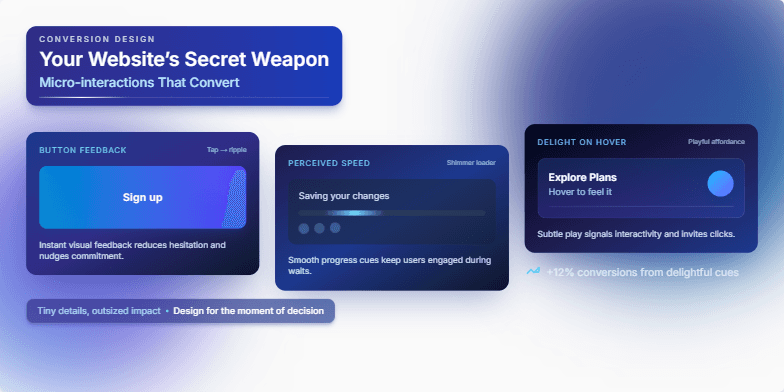
Imagine a slide bathed in the soft glow of twilight blues and accented by crisp white typography. Delicate, shimmering animations showcase the power of micro-interactions – a button ripple, a subtle loading animation, a playful hover effect. Each detail is meticulously crafted, highlighting how these tiny design elements can create a truly engaging and memorable user experience, ultimately boosting conversions. Witness the magic unfold.
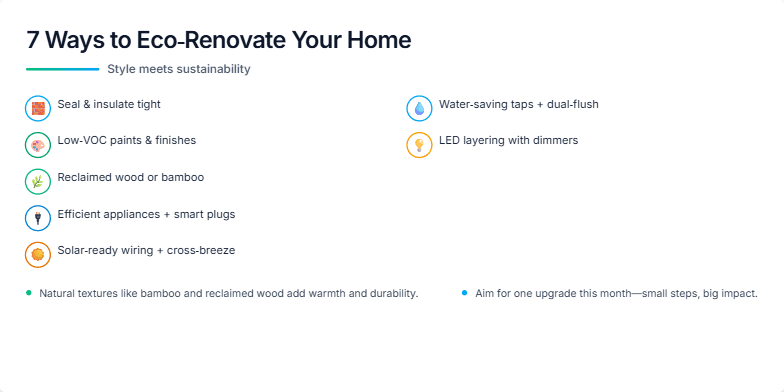
Imagine a calming palette of earthy tones, accented by vibrant greens and blues. This slide uses smooth transitions and subtle animations to showcase eco-friendly renovation ideas. Each tip is presented with a stylish, minimalist icon and a captivating image of a beautifully renovated space, emphasizing the blend of aesthetics and sustainability. Close-ups on natural materials like bamboo and reclaimed wood add a touch of tactile elegance.
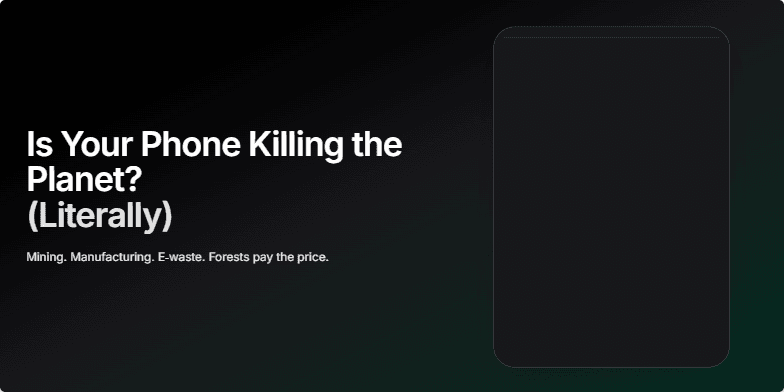
Dark, moody imagery of a cracked phone screen overlaid with a lush rainforest slowly fading. Deep greens and blacks punctuated by the stark white light of the screen. Subtle glitch effects and slow zoom on the fading rainforest evoke a sense of loss and urgency. Clean, minimalist typography in a stark white font highlights the question and draws the viewer in.
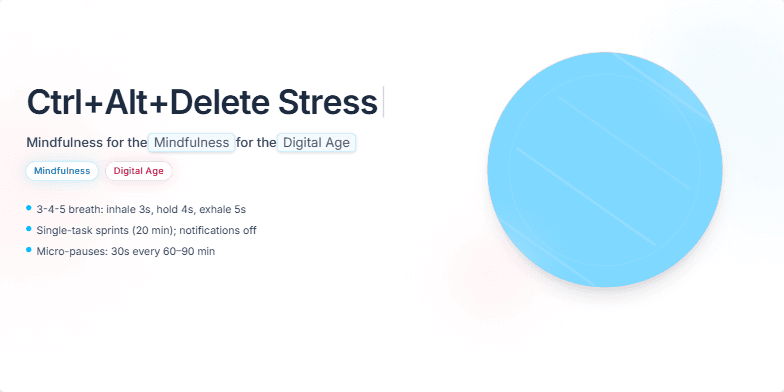
Imagine a clean, minimalist slide with calming pastel gradients. The title appears with a subtle 'typing' animation, as if being entered on a keyboard. A soft glow surrounds key terms like 'Mindfulness' and 'Digital Age.' Tranquil background music fades in as the slide transitions, creating a sense of peace and focus. Visualize a slowly rotating 3D model of a human brain, gradually shifting from chaotic red hues to serene blues as mindfulness techniques are subtly visualized. The overall mood is calming and optimistic.
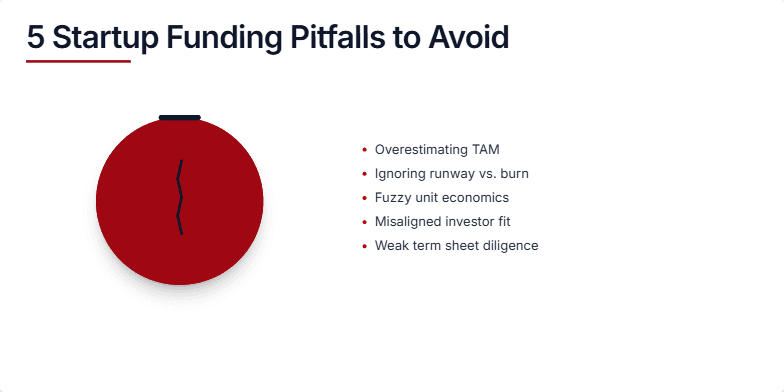
This slide uses a dramatic, dark red and charcoal grey color scheme to emphasize the seriousness of funding mistakes. A cracked piggy bank animation visually represents the loss of capital, while crisp, sans-serif typography adds a modern, professional touch. Short, impactful bullet points highlight each pitfall with sharp clarity.
Want to generate your own slides with AI?
Start creating high-tech, AI-powered presentations with Slidebook.