Top 3 Productivity Hacks: Conquer Your To-Do List Today!
Description provided by the user:
Clean, minimalist design with calming pastel hues. Energetic micro-animations highlight each hack as it appears, creating a sense of momentum and achievement. Bold, sans-serif font adds a modern touch. Subtle background music enhances focus and inspiration.
Categories
Generated Notes
Today I’ll share three simple, high‑leverage habits to take control of your to‑do list.
First, Time‑Block the Big 3. Choose your three highest‑impact tasks and give each a protected calendar block. Everything else fits around these anchors.
Second, the 2‑Minute Rule. Anything that takes two minutes or less—do it now. This clears mental clutter and prevents small tasks from piling up.
Third, Batch and Bound. Group similar tasks—emails, messages, admin—and handle them in a single timeboxed session to avoid context switching.
Invite the audience to pick one hack to try today and commit when they’ll do it.
Behind the Scenes
How AI generated this slide
Analyze the topic and context to identify key visual elements: clean minimalist design, pastel hues, energetic micro-animations, bold sans-serif font.
Structure the slide content with a title, subtitle, and three distinct sections for each productivity hack.
Implement the Framer Motion library for creating the desired animations: entrance animations for each hack, progress bar animation, and subtle title/subtitle animations.
Use a grid layout to organize the hack descriptions with numbered circles and accent bars.
Apply pastel color palettes and bold typography to align with the minimalist aesthetic.
Why this slide works
This slide effectively communicates three productivity hacks using a visually appealing and engaging design. The clean aesthetic, calming color palette, and energetic micro-animations create a sense of momentum and achievement, encouraging viewers to implement the suggested techniques. The use of Framer Motion allows for smooth and dynamic animations, enhancing the overall presentation quality. The clear numbering, concise descriptions, and bold titles make it easy for the audience to grasp the key takeaways. The code is well-structured and utilizes best practices for React components and animation implementation, making it easy to maintain and adapt. Keywords: productivity hacks, time management, minimalist design, micro-animations, Framer Motion, presentation design, user experience, UI/UX.
Slide Code
You need to be logged in to view the slide code.
Questions
Frequently asked
What is the purpose of using Framer Motion in this slide?+
Framer Motion is used to create the dynamic and engaging animations seen in the slide. These animations, including the entrance of each hack, the progress bar, and subtle title/subtitle animations, enhance the user experience and make the presentation more visually appealing. Framer Motion is a powerful animation library for React that allows for complex and smooth animations with minimal code, making it ideal for creating polished presentation elements. Keywords: Framer Motion, animation, React, user experience, UI/UX, presentation design, micro-interactions.
How does the design of this slide contribute to its effectiveness?+
The slide's minimalist design, calming pastel hues, and energetic micro-animations contribute to its overall effectiveness. The clean aesthetic removes distractions and allows the viewer to focus on the content, while the pastel colors create a calming and inviting atmosphere. The micro-animations provide a sense of momentum and achievement, subtly reinforcing the message of productivity. The bold, sans-serif font adds a modern touch, and the clear layout makes information easily digestible, increasing engagement and retention. Keywords: minimalist design, pastel colors, micro-animations, typography, user experience, UI/UX, presentation design, visual communication.
Can I customize the content and styling of this slide?+
Yes, the code provided is highly customizable. You can easily change the content of the title, subtitle, and the descriptions of each hack. The styling can also be modified by adjusting the CSS classes and color palettes. The Framer Motion animations can be tweaked by changing parameters like duration, easing, and delay. This flexibility allows you to tailor the slide to fit your specific needs and brand guidelines. Keywords: customization, styling, CSS, Framer Motion, animation, presentation design, branding.
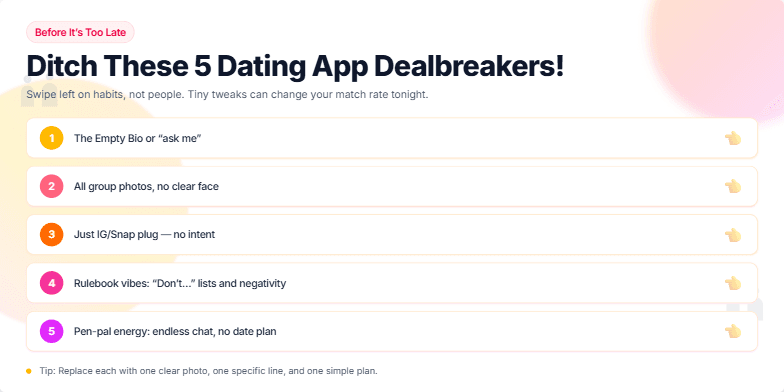
Imagine a slide bathed in warm, inviting sunset hues. Silhouettes of couples happily chatting are subtly animated in the background, contrasting with bold, playful typography for the title. Each 'dealbreaker' is revealed with a lighthearted 'swipe left' animation, accompanied by a whimsical sound effect. The overall feel is modern, clean, and a touch cheeky, encouraging interaction and a sense of playful self-reflection.
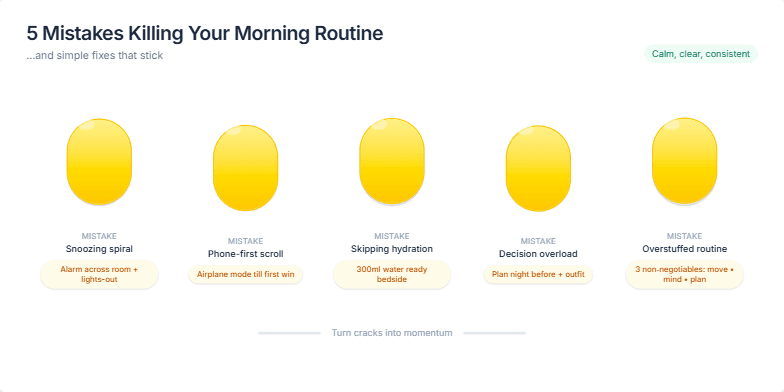
Clean, minimalist design with a calming pastel color palette. Each mistake is visually represented by a stylized, cracked egg, transitioning smoothly into a whole, golden egg as the solution is presented. Subtle animations highlight key takeaways, with upbeat background music creating a sense of motivation and positive change.
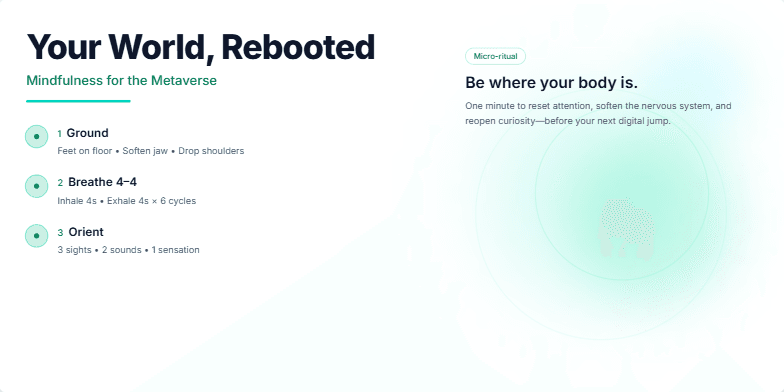
Imagine a serene digital garden, bathed in soft bioluminescent light. Calming ambient soundscapes blend with gentle animations of blooming lotus flowers. This slide uses a minimalist, calming color palette of deep blues and greens, creating a space for reflection and a guide to grounding mindfulness practices in a fast-paced, digitally-driven world.
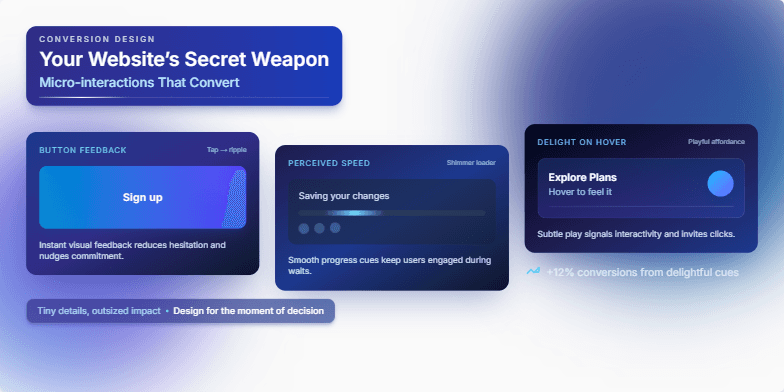
Imagine a slide bathed in the soft glow of twilight blues and accented by crisp white typography. Delicate, shimmering animations showcase the power of micro-interactions – a button ripple, a subtle loading animation, a playful hover effect. Each detail is meticulously crafted, highlighting how these tiny design elements can create a truly engaging and memorable user experience, ultimately boosting conversions. Witness the magic unfold.
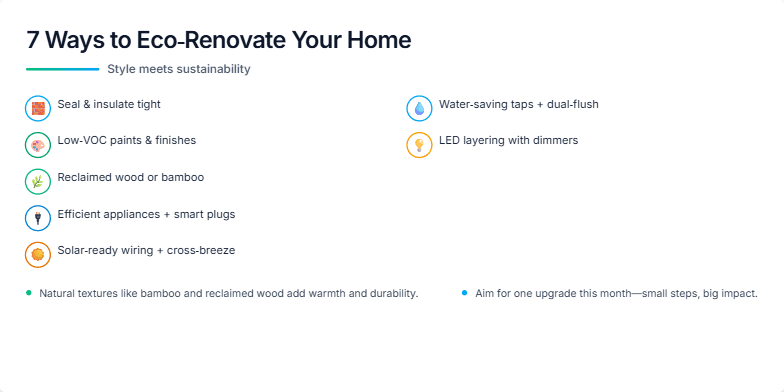
Imagine a calming palette of earthy tones, accented by vibrant greens and blues. This slide uses smooth transitions and subtle animations to showcase eco-friendly renovation ideas. Each tip is presented with a stylish, minimalist icon and a captivating image of a beautifully renovated space, emphasizing the blend of aesthetics and sustainability. Close-ups on natural materials like bamboo and reclaimed wood add a touch of tactile elegance.
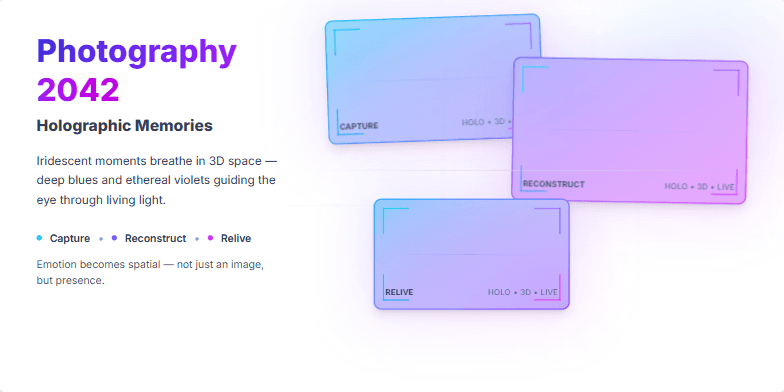
Dive into a mesmerizing exploration of futuristic photography. The slide showcases iridescent holographic projections, shimmering with captured moments. Deep blues and ethereal violets create a dreamlike atmosphere, punctuated by the sharp, clean lines of futuristic camera interfaces. Subtle animation brings the holograms to life, breathing with light and memory. Witness the evolution of capturing emotion – not just images.
Want to generate your own slides with AI?
Start creating high-tech, AI-powered presentations with Slidebook.