Imagine a sleek, minimalist slide with a soft, warm color palette of creams and golds. A subtle, shimmering animation of a key turning in a lock hints at the secrets to be unveiled. Clean typography and stunning high-resolution images of dream homes evoke a sense of aspirational luxury and attainable comfort. Short, punchy bullet points highlight key takeaways, each appearing with a gentle fade-in effect. The overall mood is one of sophisticated excitement and empowered possibility.
Categories
Generated Notes
Open with the title to set the tone: “Unlock Your Dream Home.” Emphasize that this is about revealing practical, empowering secrets.
Draw attention to the key animation: a subtle, elegant turn in the lock that symbolizes access and progress. Mention the warm, inviting feel—creams and golds—to position this as aspirational yet attainable.
Walk through each bullet as it fades in: first, what lenders really look for; second, timing strategies to win offers; third, building equity from day one; fourth, avoiding hidden costs. Keep each explanation crisp and actionable.
Close on the promise: attendees will leave with a personalized step-by-step plan. Invite them to lean in for the specifics in the next sections.
Behind the Scenes
How AI generated this slide
Establish Visual Theme: Implemented a warm, inviting color palette using creams, golds, and amber tones to evoke feelings of luxury and comfort. Selected clean, modern typography for readability and sophistication.
Craft Compelling Title: Created a large, attention-grabbing title, 'Unlock Your Dream Home: Secrets Revealed!' with a gradient text effect to add visual interest.
Design Key Visual: Developed a subtle animation of a key turning in a lock using SVG and Framer Motion to symbolize unlocking potential and accessing exclusive information.
Structure Content: Organized key takeaways into short, impactful bullet points, each appearing with a smooth fade-in animation for enhanced engagement.
Enhance Visual Appeal: Incorporated subtle background animations and a frosted glass effect to add depth and a modern aesthetic.
Ensure Responsiveness: Used a grid layout to ensure the slide adapts seamlessly to different screen sizes.
Why this slide works
This slide effectively combines visual appeal with concise messaging to capture audience attention and convey key information. The warm color palette, elegant typography, and subtle animations create a sophisticated and inviting atmosphere. The key visual reinforces the theme of unlocking secrets and accessing valuable insights. The use of bullet points ensures the core message is delivered clearly and concisely, while the fade-in animations add a touch of dynamism. The responsive design guarantees optimal viewing across devices, making it ideal for presentations in various settings. Keywords: real estate, home buying, mortgage, financing, investment, property, luxury, dream home, secrets, tips, strategy, animation, design, presentation.
Slide Code
You need to be logged in to view the slide code.
Questions
Frequently asked
How can I customize the animation speed of the key turning?+
The animation speed of the key is controlled by the `duration` property within the `transition` object in the Framer Motion `motion.g` component. You can adjust the duration value to increase or decrease the animation speed. For example, changing `duration: 6` to `duration: 3` will make the animation twice as fast. Keywords: Framer Motion, animation, speed, duration, customization, SVG.
Can I replace the key animation with a different image or graphic?+
Yes, you can easily replace the key animation with a different visual. Simply remove the existing SVG code within the `svg` tag and replace it with your desired image or graphic. Ensure the new visual is appropriately sized and positioned within the container. You may also need to adjust the styling and animation properties accordingly. Keywords: customization, image, graphic, SVG, animation, replacement, visual.
How can I change the color scheme of the slide?+
The color scheme is defined by the CSS classes and inline styles using Tailwind CSS. You can modify the background colors, text colors, and border colors by changing the corresponding class names (e.g., `bg-amber-700`, `text-transparent`, `ring-amber-300`) or by directly editing the inline styles. Keywords: color scheme, customization, Tailwind CSS, styling, design, theme, palette.
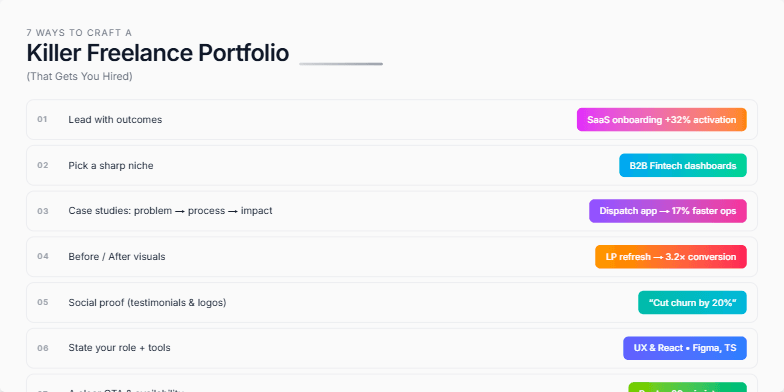
Clean, minimalist design with soft grey background and crisp white typography. Each of the 7 ways is highlighted with a subtle animation, revealing a striking portfolio example in a vibrant color palette. Smooth transitions create a dynamic yet professional feel, leaving a lasting impression of polished expertise.
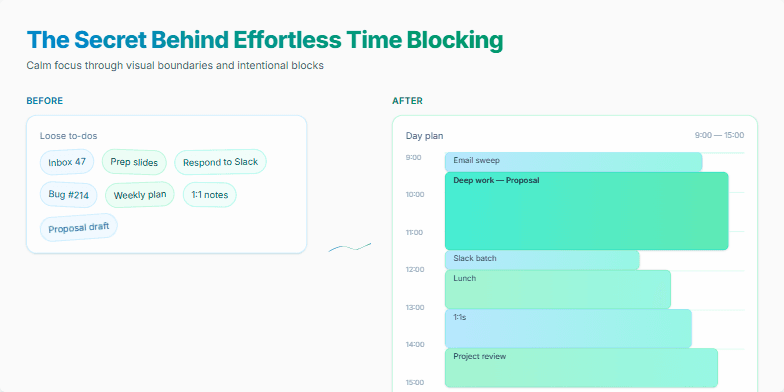
Dive into a world of calming blues and serene greens as this slide reveals the magic of time blocking. Smooth, subtle animations guide you through a visual journey, showcasing a minimalist design with elegant typography. Watch as daily tasks transform into perfectly organized blocks, creating a sense of calm and control. Experience the power of visual clarity with this beautifully designed slide that sparks joy and inspires efficient time management.
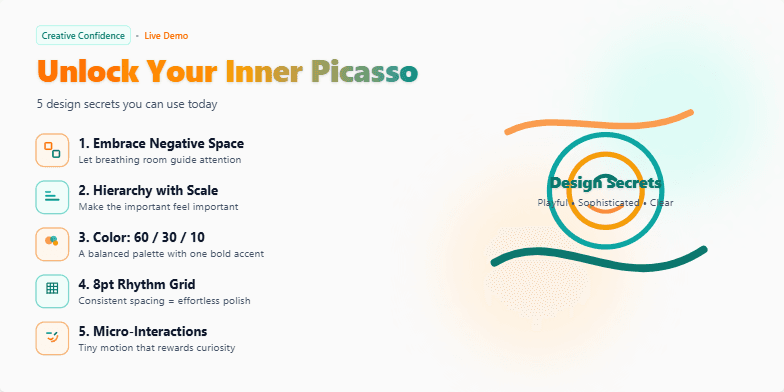
Imagine a slide bathed in warm, inviting hues of sunset orange and deep teal. Hand-drawn, whimsical icons dance alongside each of the 5 secrets, revealed one by one with a charming 'pop' animation. Typography is clean and modern, playing with subtle drop shadows for a touch of depth. The overall feel is playful yet sophisticated, sparking curiosity and a desire to unlock those hidden design gems.
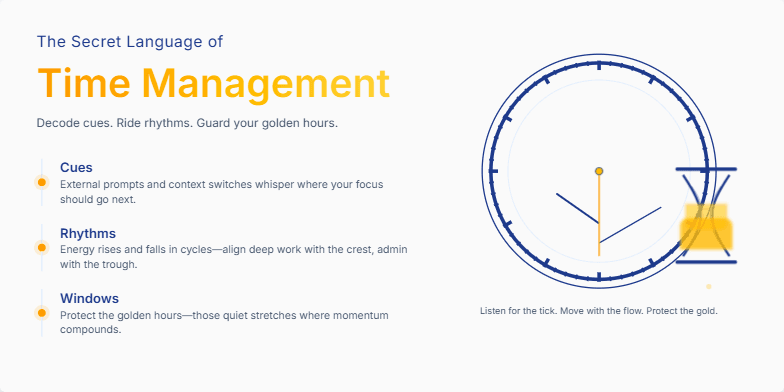
Deep blues and golds create an air of mystery. A subtle animation of an antique clock ticking sets the stage. Stylized hourglass imagery adds a touch of vintage charm. Discover the subtle cues and hidden rhythms that govern productivity through elegant typography and minimalist design.
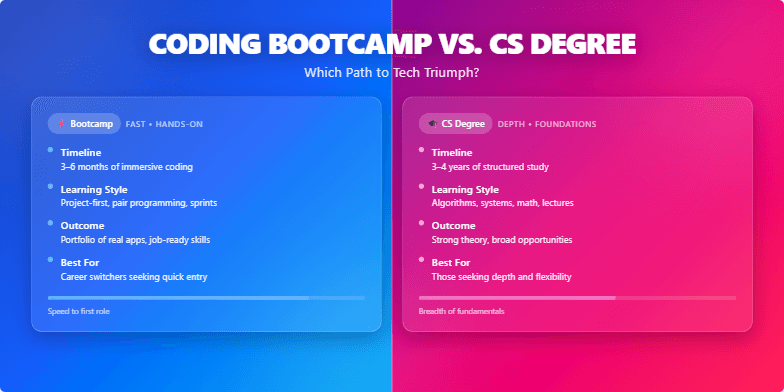
This slide explodes with vibrant duotone gradients of electric blue and neon pink, setting a dynamic and energetic mood. A stylized split-screen visual dramatically contrasts the bootcamp experience (fast-paced, hands-on coding) with the traditional university setting (lecture halls, textbooks). A subtle 'glitch' animation effect adds a touch of tech-forward flair, hinting at the disruptive nature of coding bootcamps. The title uses a powerful, chiselled font, emphasized by a subtle drop shadow.
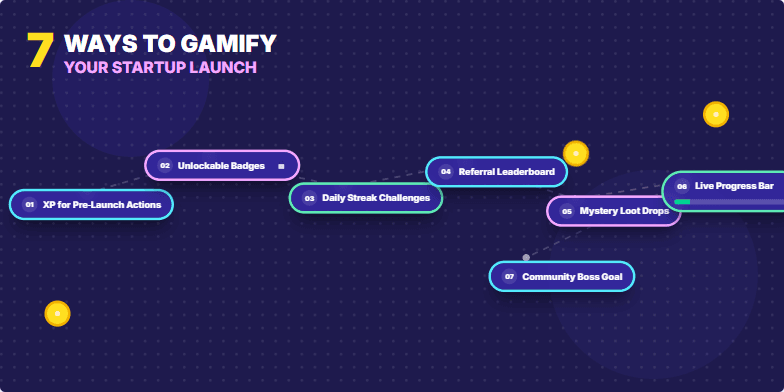
Imagine a slide bursting with vibrant, playful energy. Bold, comic-book style graphics emphasize each of the 7 gamification strategies. Short, punchy text pops against a backdrop of deep indigo. Micro-animations of spinning coins, leveling-up bars, and unlocking badges add a dynamic touch. The overall mood is exciting and motivating, inspiring the audience to think outside the box.
Want to generate your own slides with AI?
Start creating high-tech, AI-powered presentations with Slidebook.